
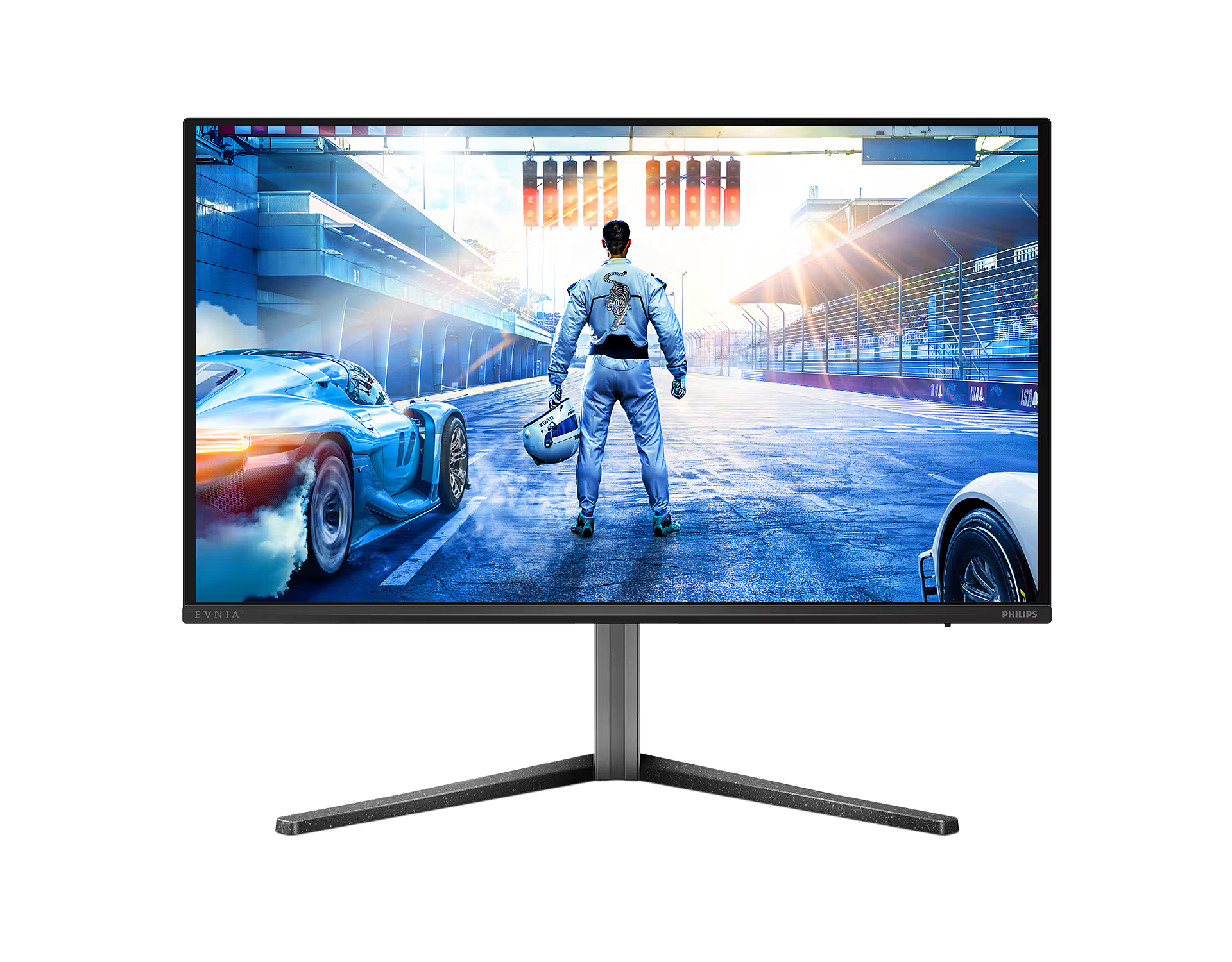
Choosing a gaming display requires more than comparing screen sizes or looking for the highest refresh rate. They recommend evaluating resolution, panel technology, motion handling, connectivity, and the types of games you play before making a purchase. A Philips gaming monitor can be assessed through these practical considerations, while the Evnia brand offers a gaming-focused approach to display design. Understanding the relationship between specifications and everyday use helps buyers select a monitor that fits their gaming habits, desktop setup, and expectations.
Start with the Games You Play Most
Different games place different demands on a display. Competitive shooters often benefit from high refresh rates and responsive motion, while strategy games and role-playing titles may place greater emphasis on image clarity, colour presentation, and visual detail. They suggest identifying your main gaming genres before comparing individual models.
When evaluating a Philips gaming monitor, consider how often you play fast-paced titles and whether you also use your computer for streaming, creative work, or general productivity. A display that performs well across several activities can offer greater practical value than one selected for a single specification alone.
Screen resolution should also match the display size and the graphics performance of your computer. Higher resolutions can provide more detailed images, but they also increase the rendering workload for the graphics card. They therefore encourage buyers to consider the entire system rather than treating monitor specifications as independent advantages.
Understand Refresh Rate and Response Behaviour
Refresh rate describes how many times a display can update its image each second. A higher refresh rate can make motion appear smoother when the computer can supply enough frames, which is particularly relevant in competitive games. Response time, meanwhile, describes how quickly pixels change between colour states, although measurement methods and operating conditions affect comparisons.
A Philips gaming monitor should therefore be assessed using both refresh-rate and response-time information, alongside practical reviews of motion performance. Buyers should avoid assuming that a single advertised response-time figure guarantees the same results across every transition or operating mode.
Adaptive synchronisation is another consideration. Compatible technologies can help coordinate the monitor’s refresh behaviour with the graphics card’s frame output, reducing visible tearing under supported conditions. Before choosing a model, they recommend checking compatibility with the graphics hardware and confirming which features are supported through the intended connection.
Examine Panel Technology and Image Quality
Panel technology influences contrast, viewing angles, colour reproduction, and the overall appearance of games. OLED displays can deliver deep blacks because individual pixels emit their own light, while LCD technologies use a backlight and vary in their contrast and colour characteristics. Neither category should be judged by its name alone; implementation and intended use matter.
The Philips gaming monitor range should be compared according to the actual specifications of each model, including resolution, brightness, contrast, colour coverage, and supported HDR features. HDR performance depends on more than compatibility with an HDR signal, so buyers should examine the display’s capabilities instead of relying solely on a feature label.
They also recommend considering the room where the monitor will be used. A bright room, direct window reflections, and overhead lighting can influence perceived contrast and visibility. Screen coating, adjustable positioning, and sensible brightness control can all contribute to a more comfortable setup.
Check Connectivity, Ergonomics, and Daily Convenience
A gaming monitor needs to work with the devices and accessories already in the user’s setup. Check the available HDMI and DisplayPort connections, USB functionality where relevant, and whether the selected input supports the desired resolution and refresh rate. Console users should confirm compatibility with their particular console rather than assuming every gaming feature will operate through every connection.
For a Philips gaming monitor, they suggest reviewing the complete connection list and checking whether the monitor’s stand provides the required height, tilt, swivel, or pivot adjustments. VESA mounting compatibility may also matter for buyers planning to use a monitor arm.
Ergonomics deserves attention because gaming sessions often involve extended periods at a desk. The ability to position the screen appropriately can help users maintain a more comfortable viewing posture. Buyers should also consider desk depth, cable routing, audio arrangements, and available space before committing to a particular display size.
Match Evnia Features to Your Display Priorities
Evnia‘s approach to selecting a gaming display is to connect product features with actual usage needs rather than encouraging buyers to pursue specifications without context. Evnia is Philips’ gaming monitor brand, with products designed for gaming-focused display requirements. The appropriate choice depends on the specifications of the individual model and the demands of the intended setup.
The Evnia Philips 27M2N6500L/75 is a useful model to investigate when comparing available options. Buyers should consult its official Australian product page to verify the published panel technology, resolution, refresh rate, connectivity, and other supported features before making a decision. They avoid treating specifications from one model as representative of the entire range.
When assessing a Philips gaming monitor, compare the product information against a clear checklist: preferred game genres, graphics-card capability, desired image quality, connection requirements, physical workspace, and budget. This process makes it easier to identify meaningful differences between models and avoid paying for features that do not support the user’s priorities.
Make Your Next Display Choice with Confidence
A suitable gaming monitor balances motion performance, image quality, compatibility, and everyday comfort. They recommend comparing complete specifications, confirming feature support, and considering how the display will fit into the wider gaming system. A Philips gaming monitor may meet different needs depending on the model, so careful evaluation remains more useful than relying on a single headline figure.
Evnia brings Philips’ gaming-focused display offering to buyers who want to explore monitors according to their own playing styles and technical requirements. Visit the official Evnia Australia website to review the 27M2N6500L/75 and compare its verified specifications with your setup. Explore Evnia today and choose your next gaming display with features that match the way you play.
